Showing posts with label 5-My Designs. Show all posts

Monday, December 12, 2011

My Photos


More Photos

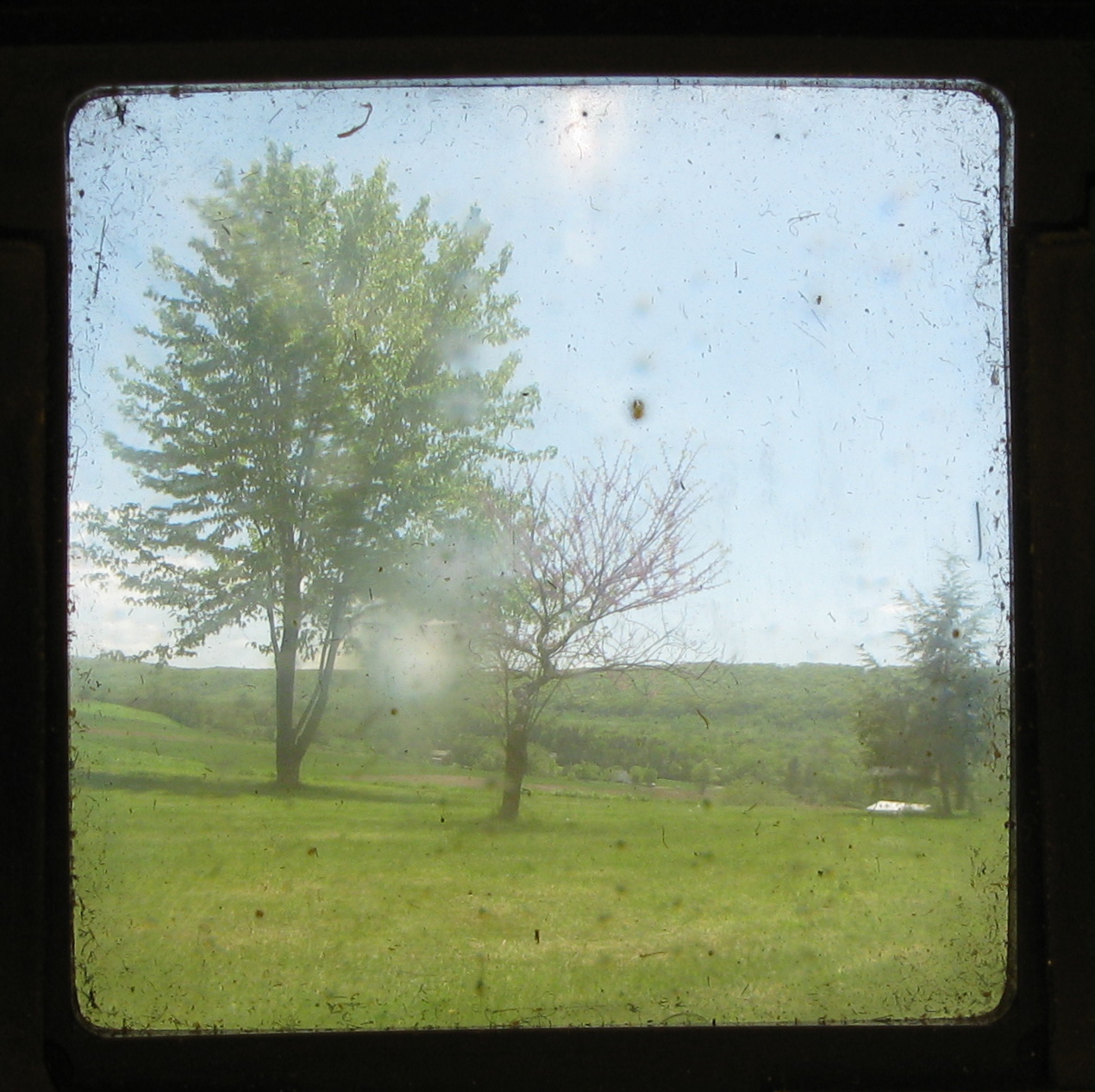
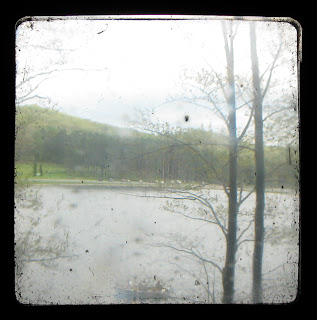
One of the design topics that I would like to know more about is composition, because it is a crucial part of photography. I didn't "design" the landscapes in these photos, but I did design the view that I wanted to capture and how I wanted to place the frame.


That Sort of Town


"That Sort of Town" was and incredibly short-lived photo comic that I attempted with my friend a few years ago using a children's play set. No one else found it quite as amusing as we did, and each comic was a large time investment so we stopped after only a few stories. The premise was a sort of Stepford/Suburgatory set-up, about a very small, WASP-y, conservative town and the residents' reactions to changes in the status quo.


Wednesday, November 23, 2011

Mosaic


The second half of my high school crafts class was spent on mosaics. I decided to try to copy a photo that I took in Wyoming the year before:
I started planning the layout on a sheet of masking tape, so that I could lay out all of the pieces that I wanted to use without worrying about any getting lost.
I then had less than an hour to transfer all of the pieces into a clay tablet before it began to harden.

Copper Jewelry Box


The first half of my high school crafts class was about patterns, shapes and metalwork. We first started by creating five shapes, and combining them into as many patterns as we could think of.
Once I chose a pattern, I decided that I wanted to use it in a small metal box. The sides of the box would fold up, and the lid would open and close on a makeshift hinge. A manilla mock-up was made before I was allowed to start on the metal, but I don't have any photos of it.
The bottom of the box and the hinge for the lid
The lid and pattern (tracing paper rubber-cemented to the metal)
The finished product


Monday, November 21, 2011

AP Physics Design Project: Vertical Axis Turbine

The capstone of my high school engineering class was a design project. In teams, we were responsible for designing and building a project, but it could be anything we liked. There were several catapults and trebuchets, a go-kart, and in the case of my team, a wind turbine. As can be seen in the photo above, my friend and I designed and prototyped many different designs before choosing one.


Our first challenge was to turn a microphone stand into a support structure. For our initial plan to create a horizontal axis wind turbine, this support consisted of PVC pipes and an elbow. A small dc-motor was then mounted inside of the pipe to generate power from the rotation of a central hub. We made two different types of blades, flat balsa wood blades, and curved pvc blades. Neither provided a fast enough rotational velocity to generate enough power without gearing, so we settled on a vertical-axis design that would allow us to use a smaller radius turbine.

Wednesday, November 9, 2011

MAE 377 Chimney Cover


The project that I was assigned in MAE 377 was a chimney cover that would keep warn air inside of the house, keep rain outside of the house, and could be easily opened of closed. The first step of the design process was to figure out a non-powered way to hold the chimney cover open. My eventual solution used tension and gears to move the chimney cover into the open position and to hold it there. My next steps involved a great deal of sketching. I made rough sketches of how the overall device would work in order to figure out what components would be necessary, and then sketches of each component. Finally, once I had a general idea of components and their dimensions, I began drafting the project in PRO/E, which was a very helpful way to verify that all of my dimensions had been calculated properly.

Doctor Who Freezer Paper Template


Freezer paper can be used as a low-tech screen-printing method. Basically one-sided wax paper, freezer paper can be ironed to fabric (without damaging the iron) and then later peeled off, cleanly and easily. It makes a great quick, low cost stencil.

This is the stencil that I created for a Doctor Who-themed t-shirt. With separate photos of the Doctor, the TARDIS, and K-9 from the internet, I used Photoshop to strip each image down to a silhouette, then combined them and washed-out any areas of overlap. Once this image was printed, I traced the outlines onto the semi-transparent freezer paper and cut out areas that I wanted painted with an Xacto knife. The freezer paper was then ironed onto a t-shirt and painted over. Once the paint was dry, the paper was peeled off, revealing the design below:


"Through The Viewfinder" Apparatus


"Through the Viewfinder" is a photographic technique that uses two cameras (a modern digital camera with manual focus and an old twin-lens reflex camera) to take images with vignetting and distortions.

The Kodak Brownie Reflex: a vintage twin-lens reflex camera

The vintage camera is aimed at the subject, and the digital camera is used to capture the scene through the viewfinder of the old camera. About 1.5 feet is required between the cameras, and it must be completely dark in between them, so that the only light that the digital camera senses comes from the viewfinder. As so many different vintage cameras are used with so many different digital cameras, it is necessary to design and build a special apparatus for each particular combination of cameras.
I designed two different styles, for use in different situations. One made of rigid cardboard, for when I don't need to worry about carrying it, and another made of opaque polypropylene, for when I can't carry much or will be near water.

The cardboard design was the most difficult to get right, as my camera (a Kodak Brownie Reflex) has a complicated shape.


A raw photo taken through the cardboard apparatus

The polypropylene design (at home, so I can't take a picture of it) has an elastic seam on either end (made from rubber bands) that ensures a good seal around both cameras. The flexibilty of the polypropylene comes at the expense of being very difficult to use, as it will often bend and obscure the viewfinder, and both cameras need to be individually supported.


Sunday, October 30, 2011

Teen Titans "Raven" Cape


Teen Titans was a children's cartoon that aired from 2003-2006 and it is one of my very favorite cartoons. I wanted to be Raven for Halloween, but she was one of the less popular characters and most of the official licensed costumes were for children. Most parts of the costume were easy to find substitutes for, but the distinct "beak" shape of her hooded cape was a crucial part of the costume.


I had to design my own pattern to create the cape. I started out with sketches of how I wanted the hood to fall, as that was the part that I cared about most, before moving on to prototypes made from newspaper. Once I was satisfied with the shape, I used my newspaper patterns to cut out the fabric I would need and started sewing. It isn't a perfect approximation, but it was good enough to fool a few small children who were out trick-or-treating, so that is good enough for me.

Thursday, September 15, 2011

US Army War College Locator


When I worked for at the US Army War College in 2010, the administration was considering giving iPads to the next year's incoming class and were interested in exploring potential uses for the device. One of my jobs of the summer was to develop two web apps for the campus: a trail guide for the US Army Heritage Education Center Trail, and a locator app for the War College campus.
The design process for the Heritage Trail app (which I don't have access to) was a learning experience because it was the first time I ever used Adobe Fireworks for mockups. It featured a transparent menu overlay on an image of one of the cannons on display.
The locator app was quite different, as I had very little idea how to accomplish what I wanted to do. I wanted the app to use javascript geolocation to find a user's location and display it as a glowing blue dot that moved as the device did. This took a few days of research and debugging to get right, as I was using the Google Maps API. Once the tricky part had been accomplished, I added smaller details, such as 3D renderings of the many of the buildings on campus and nametags and descriptions for each.

bigbalemulcher.com


For webdesign, I usually begin with a white board and plan out the structure of each page, as well as the navigation . For the current Big Bale Mulcher website, I had a navigation structure already created- I mainly wanted to change the look and feel of the page. My next step is always to create mock-ups using Adobe Fireworks. My first mock-up for the home page was quite different from the final finished product, but was disliked by the customer.

The three boxes at the bottom were to have been pictures and text. Once this design had been declined, I started a new design, but kept many of the elements the same: The grey stayed, but went in descending order by darkness, the font stayed the same, pictures were displayed differently. Once I finally had an approved mockup, it was just a matter of optimizing the HTML and Photoshopping the images.